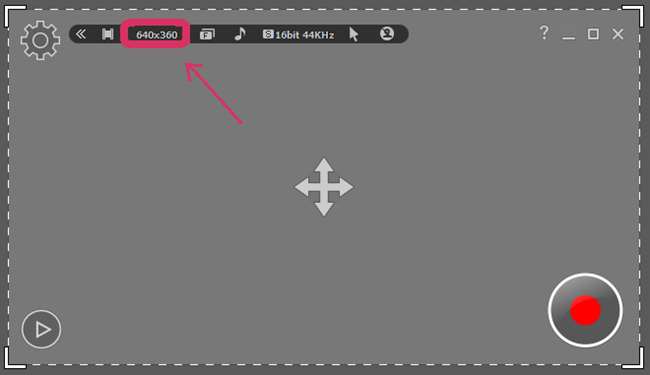
Select an Area
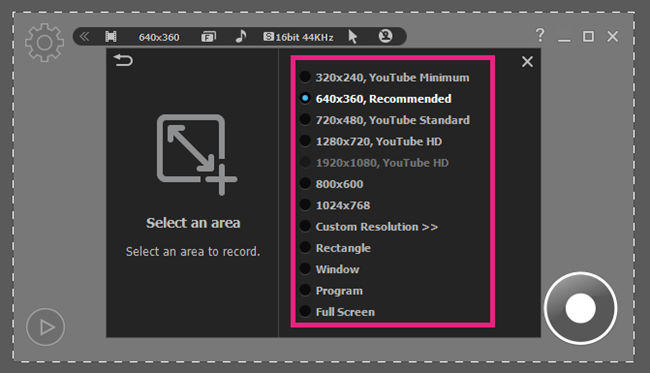
Before recording video or screen, you have to select the screen size to be recorded. There are many options to choose from.
-
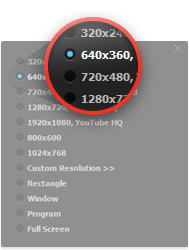
Pre-definded Size
1024 x 768: Select the screen resolution on recording area.
-
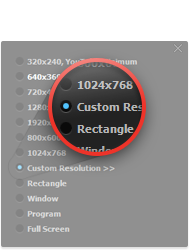
Custom Resolution
Define a custom area with adjusting width and height
-
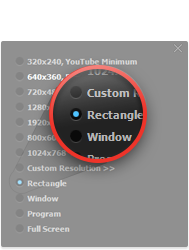
Rectangle
Select a rectangular area to Record.
-
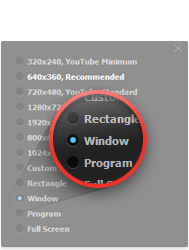
Window
Select a specific window to record.
-
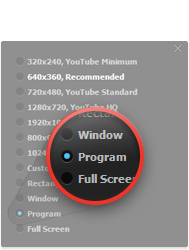
Program
Select a activated program to record
-
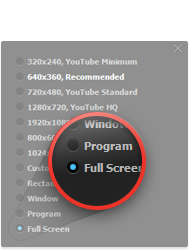
Full Screen
Select a full screen to record
Click “Select the area to record” button in the toolbar on the main window.